Key Takeaways
- Pitchbox automates your link-building outreach process by integrating intelligent prospecting with personalized, scalable outreach built on powerful automation and integrated follow-up.
- Automated follow-ups and personalization make you shine in overloaded inboxes — increasing engagement and response rates.
- Comprehensive performance analytics and link intelligence capabilities allow you to monitor your efforts, quantify campaign effectiveness, and inform future optimizations.
- Their onboarding flow and support resources flatten the learning curve, so even novices can begin seeing outreach results quickly.
- Though there is a time investment for setup, training, and data management, the long-term efficiency gains and improved workflow can be worth the commitment.
- By analyzing across key metrics such as open rates, response rates, and link velocity, you’ll be able to optimize your strategies and maximize the return on your outreach spend.
When it comes to link building and outreach, juggling spreadsheets and inbox chaos can drain your time fast. That’s where Pitchbox steps in—a platform built to streamline campaigns, manage outreach at scale, and keep everything in one tidy dashboard.
From boutique agencies to big SEO firms in Austin, marketers lean on Pitchbox for its smooth workflow, built-in reporting, and serious time savings. Whether you’re running a small shop or managing a team of link builders, it’s designed to cut the noise and let you focus on results.
In this review, we’ll dive into the real-world pros, cons, and insider tips from SEO pros using Pitchbox daily in the Texas trenches.
Core Functionality
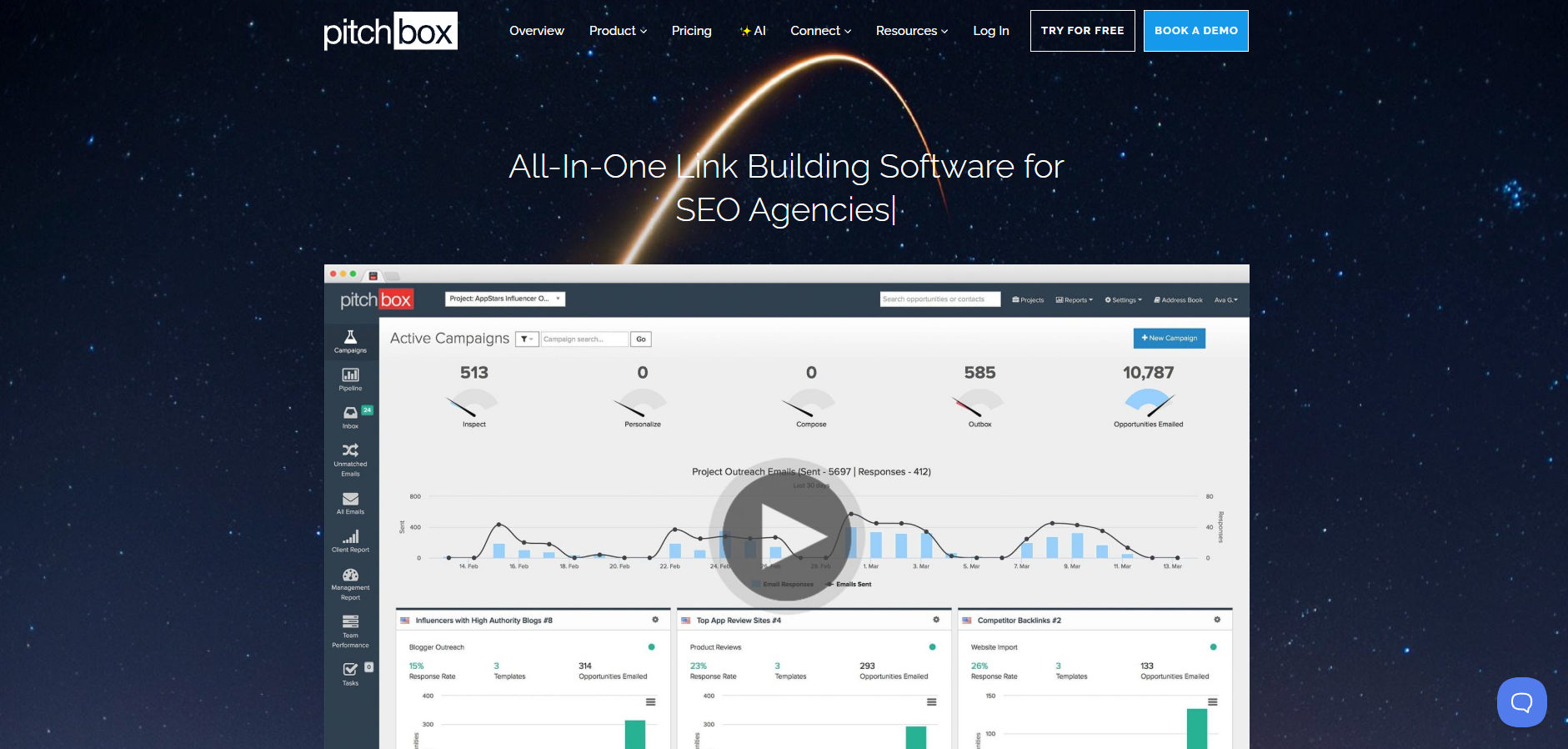
Pitchbox, a powerful link-building tool, unifies outreach, prospecting, and analytics in one platform for SEO agencies, consultants, and digital marketers aiming to optimize link-building campaigns. Its workflow focuses on two steps—Inspect + Personalize and Compose—helping users manage their outreach efforts from research to reporting with valuable data.
1. Campaign Engine
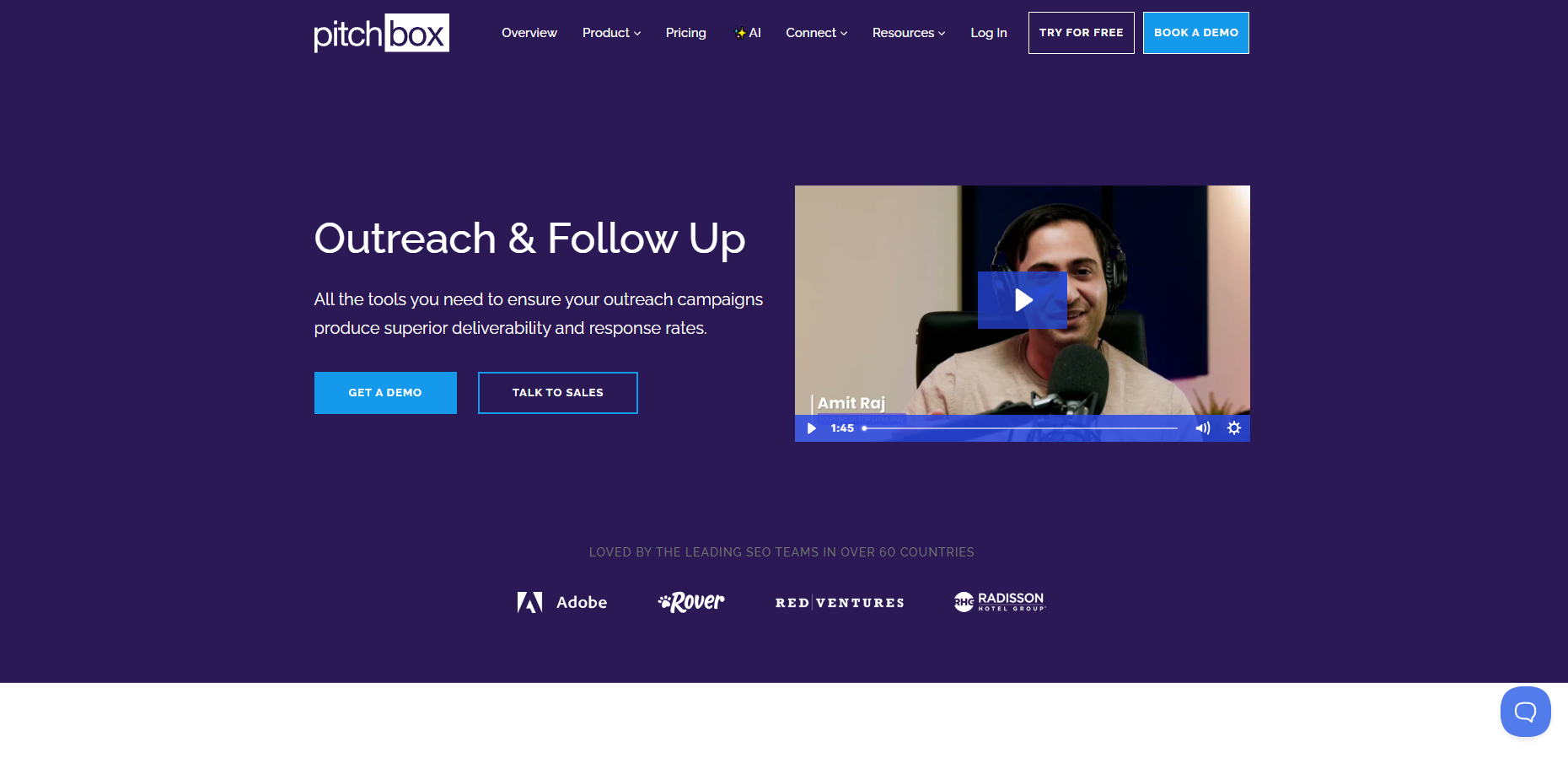
Pitchbox’s campaign engine allows you to run multiple outreach campaigns simultaneously. Setup is fast – templates and campaign wizards steer you, reducing manual effort. You can delegate tasks to team members and follow who’s handling which aspect of the campaign.
Customization is simple, meaning you can hit different markets or modify tactics for clients in varying sectors. Reporting is down and dirty—you’ll know open rates, replies, and performance trends, simplifying the process of demonstrating to clients what’s effective. A few users note the interface is a little difficult to learn, but once you get the hang of it, the tracking and management are worth it.
2. Prospecting Module
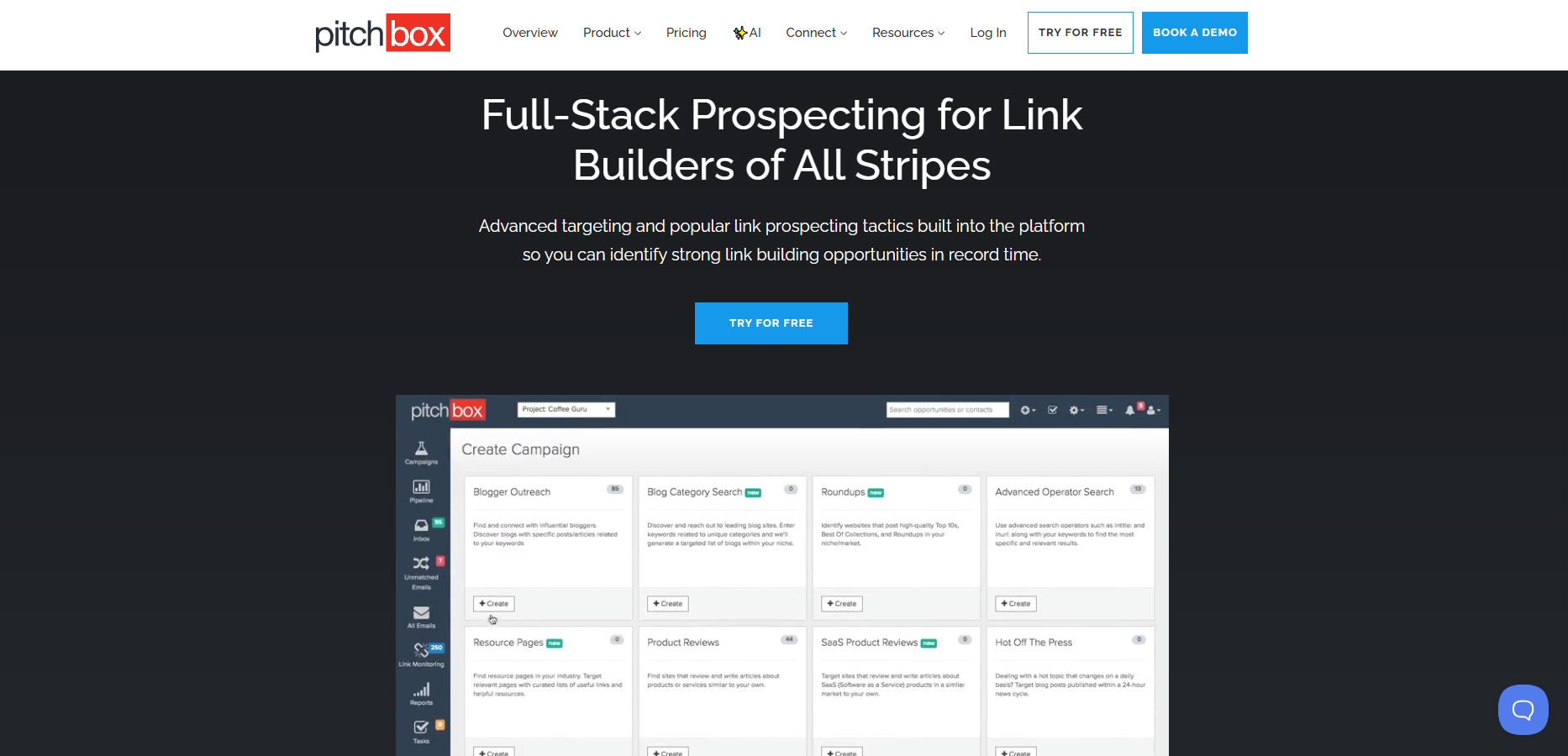
The prospecting module reveals quality link targets—bloggers, publishers, influencers, etc. It’s designed for research, allowing you to browse, filter and compile lists of potential targets by niche, relevance, and authority. Setting filters guarantees you’re not burning through time on sub-par leads.
You’re able to save prospects and then push them directly into your outreach flow, rather than the more fragmented approach. Occasionally, users have difficulty matching emails or extracting contact information, particularly for less mainstream sites, but on the whole, the module makes identifying and filtering prospects considerably less tedious.
3. Automated Sequences
Automated sequences allow you to send personalized emails and follow-ups automatically. Personalization fields let you insert custom information to each email, even at scale. Configure chase-up rules and follow-ups so no lead falls through the cracks.
Performance metrics—like open and response rates—are baked in, so you know when to experiment with a new tactic. Although automation accelerates work, you still have space to customize messages for greater engagement.
4. Performance Analytics
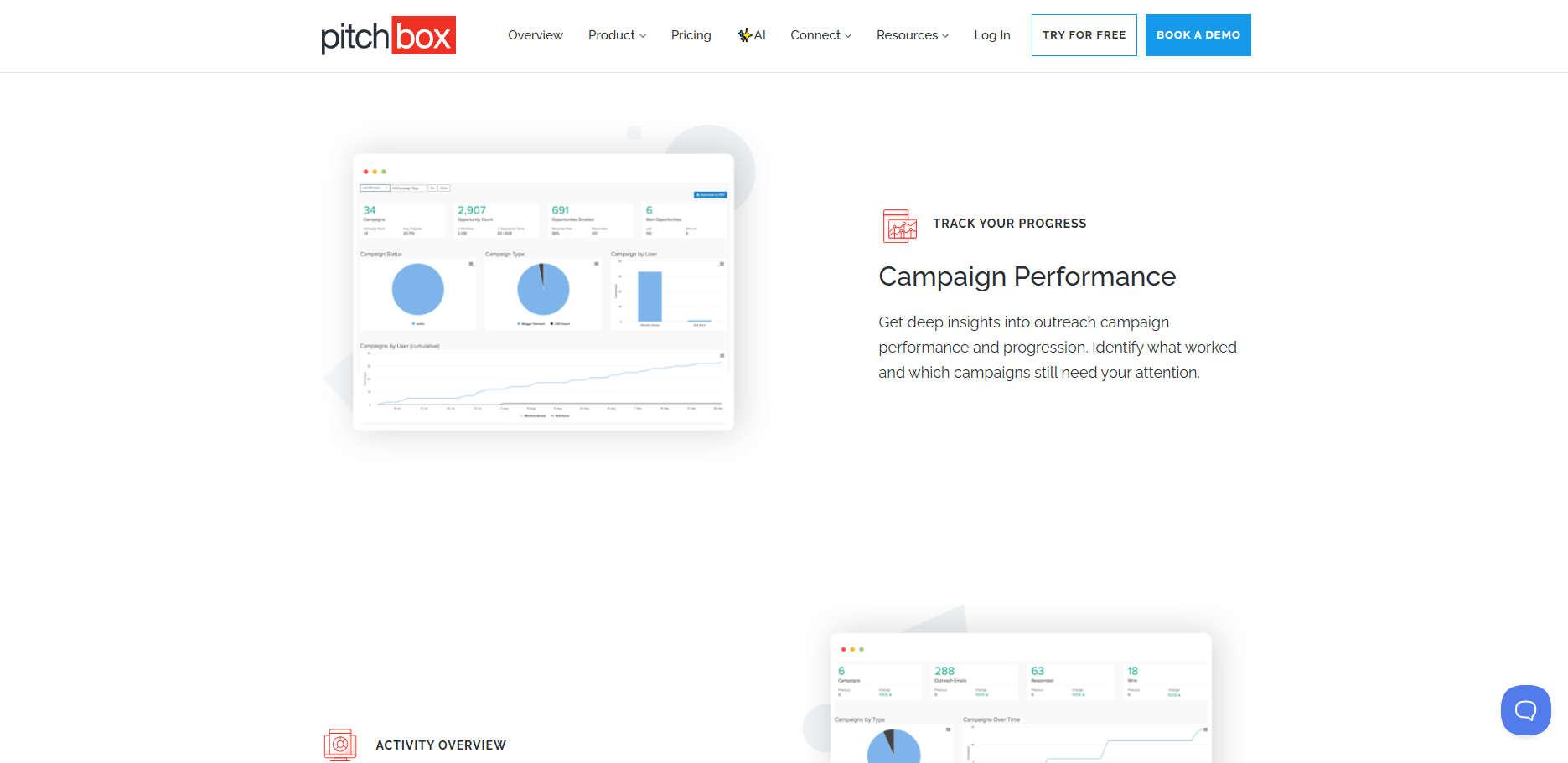
Analytics in Pitchbox are more than just stats. You receive interactive dashboards displaying campaign advancement, engagement metrics, and team output. Reports dissect what messages arrived, who responded and where campaigns bogged down.
Visualizations identify trends, such as which subject lines are getting the most opens, allowing you to optimize your outreach. These comprehensive analytics are a user favorite for ROI measurement and client reporting.
5. Link Intelligence
Link intelligence tools indicate what backlinks are sticking and which aren’t. You can check competitor links, compare profiles, and spot new opportunities. It monitors link status and identifies broken/lost links.
Data-driven insights guide you where to turn your attention next. These tools allow agencies to keep campaigns on target and demonstrate clear impact to clients.
The User Journey
A great user journey influences how marketers and agencies optimize Pitchbox, a powerful link-building tool. It begins with launching link-building campaigns, selecting an outreach strategy, and concludes with recording successes and insights. Every step of the way, from onboarding to daily workflow and learning curve, is involved in constructing a strong outreach machine.
Onboarding
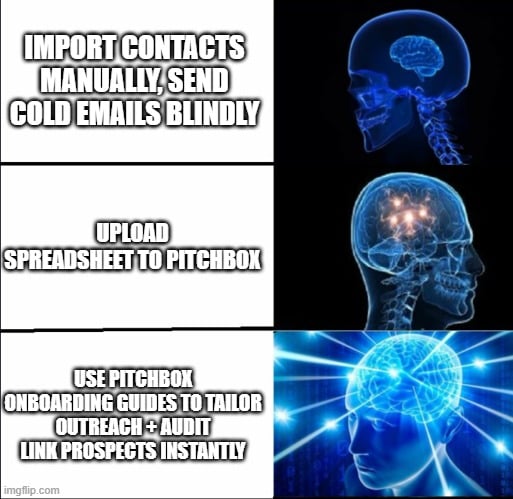
Onboarding with Pitchbox, a powerful link-building tool, is streamlined, transparent, and no-nonsense. New users receive walkthroughs that guide them through the setup process. It typically begins with setting up an account and configuring preferences, such as email integrations and team permissions, ensuring that outreach efforts remain consistent with agency objectives.
Support is accessible, and there’s a knowledge base stocked with articles and videos. These resources assist even experienced pros in acclimating to the platform’s tools, simplifying the transition to effective link-building campaigns. Convenient question guides users to import their list of potential link targets—e.g., a batch of podcasters—from a spreadsheet or CRM.
Pitchbox further promotes best practices, such as tailoring outreach emails and auditing link opportunities before initiating outreach, so users can tailor the experience immediately.
Daily Workflow
Pitchbox naturally slots into a daily workflow — particularly if you’re juggling multiple campaigns or clients. Once configured, the majority of users’ time is spent browsing lists of podcast opportunities, personalizing messages, and sending outreach emails. The dashboard provides transparency into tasks, making it simple to identify what requires focus.
Being on top of follow-ups is a breeze with automated reminders and tracking. This way, they can triage responses, categorize rejections as ‘lost’, and prioritize new leads. Outreach management turns less into spreadsheet wrangling and more into forging genuine connections.
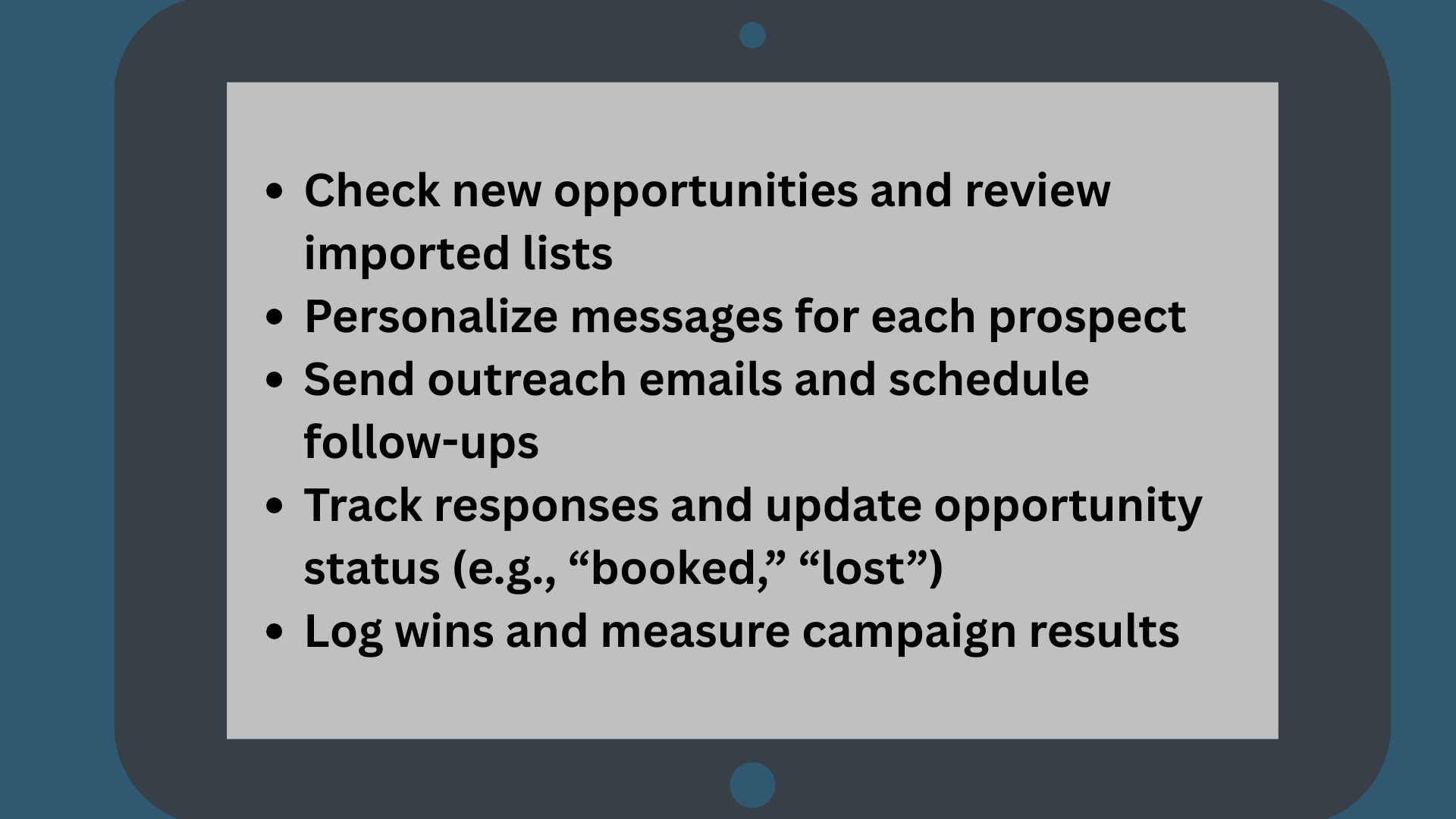
Check your email daily to stay on top of activity and maximize your odds of winning podcast slots and backlinks.
Strategic Application
Strategic application of Pitchbox involves more than just email outreach; it’s establishing a process where each phase is valuable for link-building campaigns. For U.S. Enterprises and B2B firms, this translates to employing Pitchbox as an effective link-building tool for hands-free prospecting, crafting outreach emails, and aligning teams. It’s not spam; effective outreach means reaching the right person with the right message, every time.
Personalization At Scale
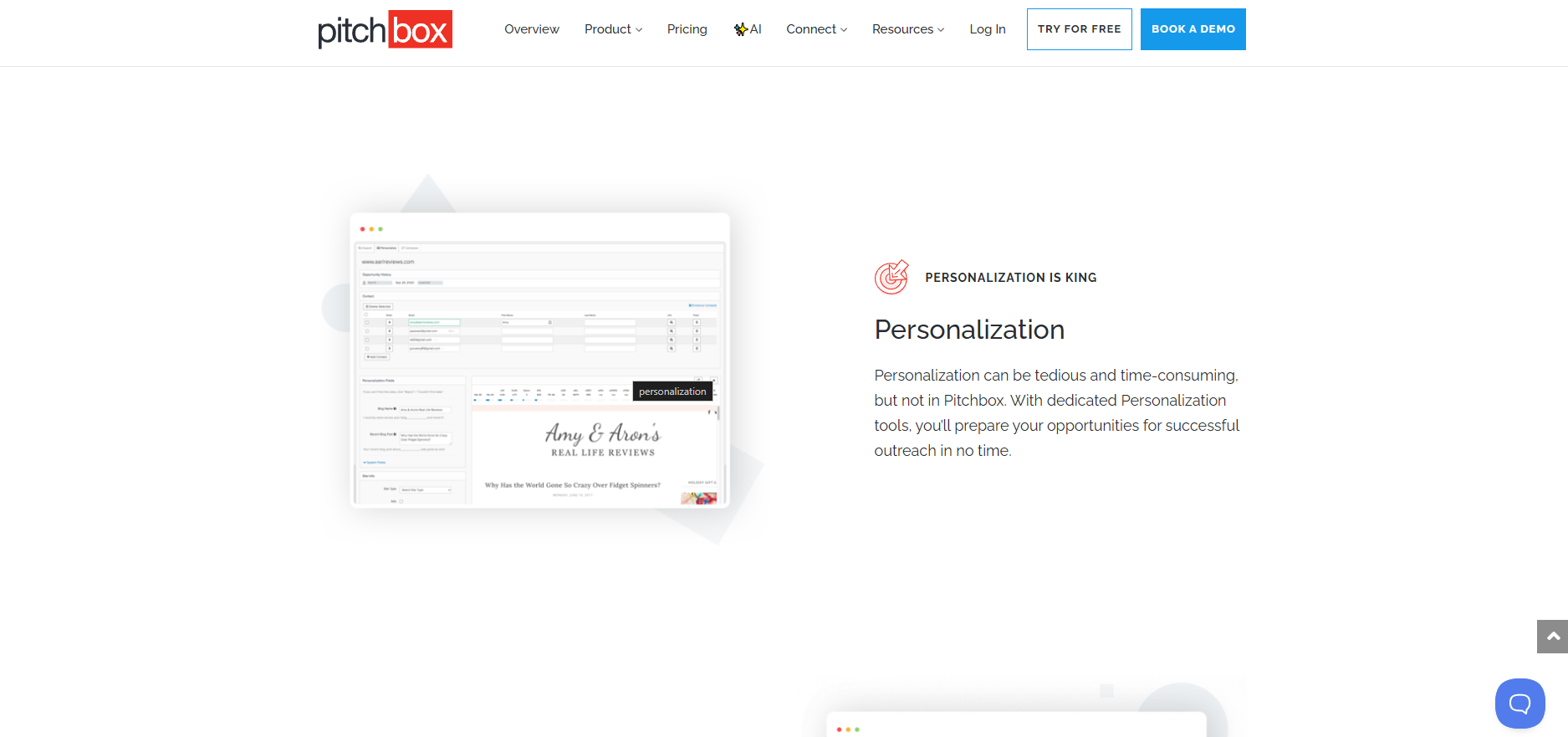
My favorite part of Pitchbox is in the personalization fields. You can easily plug in names, company information, or project titles directly into your templates. This makes every note seem like it was penned specifically for the recipient — even when you’re contacting a group of fifty or a hundred.
The platform helps you construct templates that don’t sound like templates. They can tell when you’ve spent the time to get to know them. A quick reference to their recent article or a common interest can help make your note sparkle in a crowded inbox.
Leveraging insights from previous wins—perhaps a mutual client or campaign—brings your note closer to home and boosts the chances of a response.
Data Interpretation
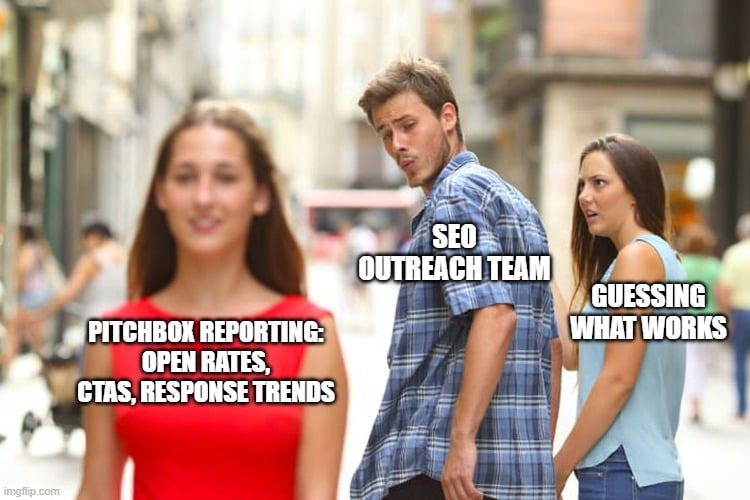
Pitchbox’s reporting tools allow you to dissect everything from open rates to the effectiveness of your calls to action. This isn’t checkbox stuff—It’s stuff like who’s engaging, when and why.
Digging into this data helps you detect trends. Perhaps subject line emails receive more opens, or maybe two-day follow-ups get better responses. The platform’s feedback loop builds on itself. Each campaign instructs you, so you can send smarter emails next time.
Data-informed tweaks prevent waste. If you notice a decline in responses, you can adjust your approach on the fly instead of waiting until the end of the quarter. This keeps your outreach alive and your clients smiling.
Workflow Integration
Integrating Pitchbox into your workflow = less grunt work and more collaborative effort. Connect and control. Contact management gets easier when your CRM talks to your outreach tool.
With it all in one place, you don’t have to bounce between platforms to monitor work or check in on progress. Teams can schedule their outreach with other digital marketing activities. Perhaps link development coincides with a content drive or a regional promotion.
This type of integration aids in bringing everyone to the same page, regardless of whether you’re a mom-and-pop shop or a large team. Smoother collaboration = fewer dropped balls. With defined phases, auto-filtering of low-quality sites, and automatic tracking, everyone knows what’s going on and what’s next.
The Hidden Costs
Hidden costs with Pitchbox don’t always appear on your initial invoice. They may creep in as time, additional training, or having to improve your data sources. For agencies and consultants, these costs can accumulate quickly, often unexpectedly. Not all users encounter its hidden costs, because some teams require more features or support than others.
It’s savvy to understand what might be lurking down the road, so you can schedule smarter and keep your outreach runs slick. Below is a table showing some common hidden costs, their descriptions, and potential impacts:
|
Hidden Cost |
Description |
Potential Impact |
|---|---|---|
|
Time Investment |
More hours needed for setup, outreach, and follow-ups |
Lower ROI, increased workload |
|
Team Training |
Ongoing learning and support to use Pitchbox fully |
Delayed campaigns, higher onboarding costs |
|
Data Quality Tools |
Third-party tools for email finding and verification |
Extra monthly fees, risk of bad outreach |
|
Platform Upgrades |
Paying for advanced features not in the base plan |
Increased monthly expenses |
|
Maintenance |
Regular updates, troubleshooting, and occasional repairs |
Downtime, unexpected IT costs |
Time Investment
Time is usually the biggest hidden cost. It may seem pretty fast to establish your initial outreach campaign in Pitchbox during a demo, but the truth is, it can consume hours merely to get your list accurate. Agencies sometimes have to spend a couple of man-days prospecting, crafting bespoke emails, and scheduling follow-ups.
That’s time taken from other marketing tasks—like reporting or strategizing. Other teams in Austin have talked about spending late nights adjusting campaigns or correcting tiny mistakes, all so the following day’s outreach won’t fizzle. We tend to discount these hours, and that can lead to issues with scheduling or deadlines.
If the minutes don’t return enough new connections or opportunities, tough to declare victory.
Team Training
Pitchbox is jam-packed with features, but not all features are adopted immediately by the team. Training can be more than a tour. You might have to reserve blocks of time for small-group sessions, hire some external assistance, or even develop tutorials demonstrating the use of new features.
Some teams touch base each month and discuss what’s working and what’s perplexing. Others trade advice in Slack or during weekly standups. Without adequate practice, errors occur — overlooked emails, messed-up tracking, or lost connections.
This bogs down campaigns and breeds frustration, particularly among new hires. Remember that Pitchbox launches updates, so training is not a once-and-done event.
Data Quality
Bad data costs more than money—it saps team spirit. If contacts are stale or emails bounce, every outreach campaign loses its sting. A few people have dedicated tools to verify emails, which translates into additional costs and time.
A few Austin agencies have learned the hard way that a clean list gets you more replies and fewer headaches. Stale data equals bad follow-up and missed opportunities. Checking and updating lists each week assists, but it consumes time.
A data-quality focus equals fewer wasted emails and a better chance of scoring quality links. Over time, those little checks can pay off big, turning campaigns into long-term wins.
Measurable Returns
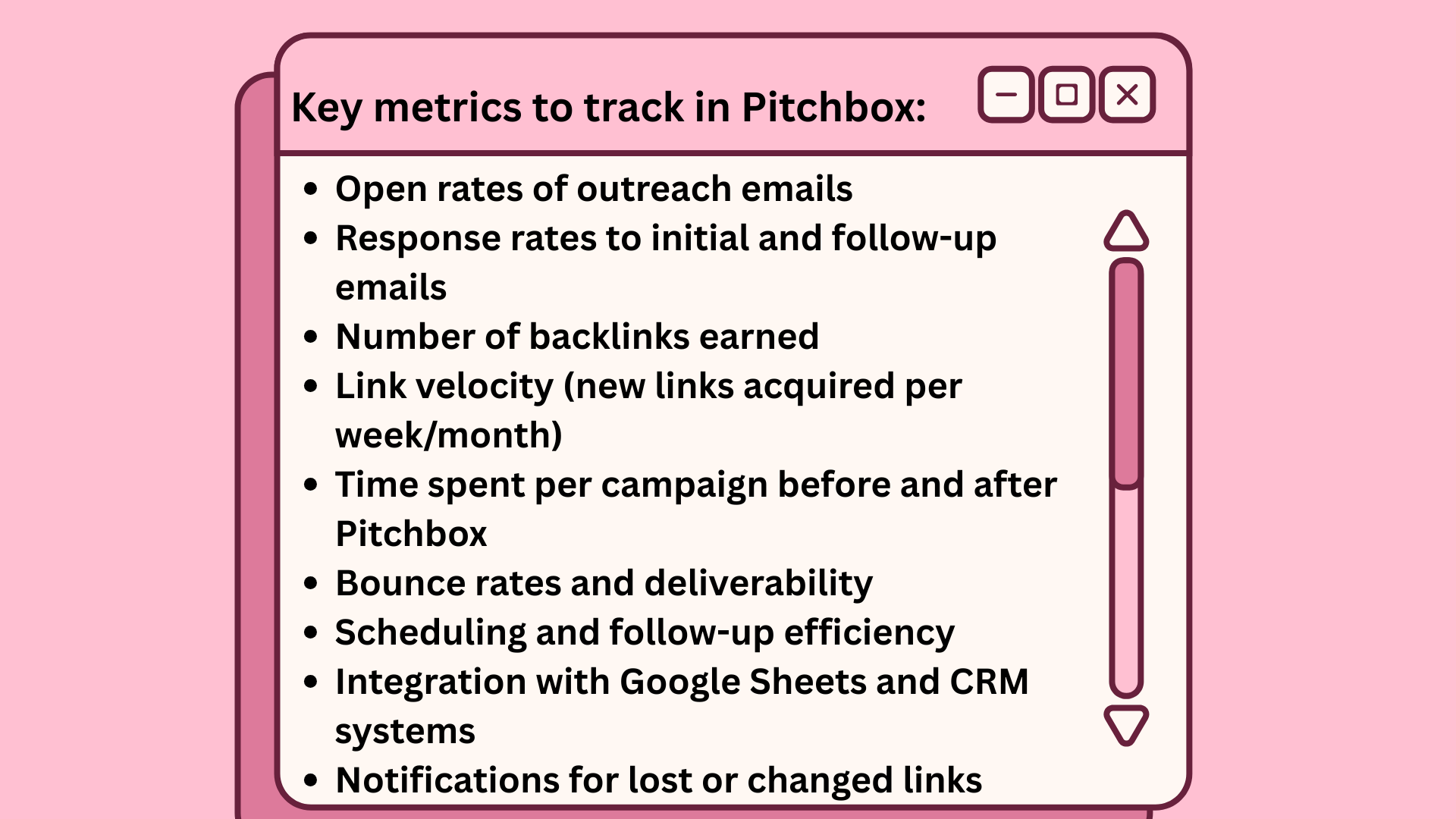
Tracking Measurable Returns is the essence of a good outreach strategy. SEO agencies, consultants, and digital marketing teams need to know that the effort — and budget — invested in outreach with Pitchbox is earning its keep. Open rates, number of responses and link velocity are the standards for actual measurable returns.
Pitchbox provides you with the ability to view these figures, identify trends, and leverage the data to design more intelligent outreach campaigns.
Efficiency Gains
Pitchbox gives link-building teams a serious productivity boost. Automation handles the repetitive stuff—like follow-ups and response tracking—so you can focus on strategy.
Reporting makes bottlenecks easy to spot, and scheduling tools help you land in inboxes at the right time (not the spam folder). With everything synced in one dashboard—including Google Sheets—you save hours every week and avoid missed opportunities.
Response Rates
Your response rate shows how well your message connects. Personalized emails can hit a 29% open rate compared to just 19% for generic blasts.
Pitchbox makes testing simple with built-in A/B tools for subject lines, CTAs, and templates. Done right, automated follow-ups can boost replies by 30% or more. The analytics dashboard highlights trends so you can double down on what works and keep improving results.
Link Velocity
Link velocity—how quickly you gain new backlinks—signals whether your SEO efforts are paying off. Pitchbox tracks new wins, alerts you when links disappear, and connects the dots between link growth, response rates, and campaign timing.
Since sites with more quality backlinks are 22x more likely to rank higher, monitoring velocity ensures your outreach is moving the needle. It’s the data that helps you adapt fast and build a stronger backlink profile over time.
Is It Worth It?
Pitchbox hits smack in the middle of the discussion for any link builder or outreach pro working at scale in the US digital marketing world. Tools like this can define ways agencies operate, increase the velocity of campaigns, and ensure nothing slips through the proverbial cracks. For SEO consultants, agency teams, and buyers, the price tag and learning curve are real obstacles, but so are the time savings.
The core value proposition for Pitchbox is eliminating the busywork. With its automated follow-up system and customizable flows, teams in Austin — or anywhere — can touch hundreds of prospects without actually having to send every email by hand. Its reporting dashboard is robust, displaying every phase from prospecting to replies, which empowers agencies to demonstrate value to clients and adjust their strategy in real time.
That said, pitching itself costs a touch more—beginning at $165/month for Pro, and that’s on a 12-month contract if you opt for the annual rate. For a small business or solo consultant, that’s not a trivial charge, so the additional cost has to translate into saved hours or better outcomes.
Here’s a quick breakdown of what folks are saying and what stands out:
|
Key Benefits |
Challenges |
User Feedback |
|---|---|---|
|
Speeds up outreach & follow-ups |
Steep learning curve |
Good for agencies, harder for newbies |
|
Customizable workflows |
Prospecting data is sometimes off |
Saves time but needs a manual check on data |
|
Robust reporting tools |
Pricey, starting at $165/month |
Effective, but the cost is a barrier for smaller teams |
|
Saves time finding prospects |
12-month contract required for annual plan |
Reliable when used by experienced outreach managers |
Conclusion
Pitchbox delivers for anyone serious about leveling up their outreach. It trims away the grunt work, keeps campaigns organized, and makes life smoother for busy SEO teams. From onboarding to reporting, it feels built for actual marketers—not just tech geeks.
Managing a huge prospect list? Pitchbox keeps everything aligned and helps turn leads into wins worth bragging about. Yes, the monthly fee might sting at first, but the time saved and results gained quickly balance the cost—especially for agencies handling heavy link-building loads.
That said, Pitchbox isn’t the only path to success. For teams that want proven outreach results without taking on another platform or subscription, SirLinksalot is a great alternative—offering expert-driven link building that cuts through the noise and delivers measurable wins.
Frequently Asked Questions
What is Pitchbox mainly used for?
Pitchbox is an outreach and link-building tool that assists marketers, agencies, and businesses with automating and managing their outreach efforts to generate quality backlinks through effective link-building campaigns.
How easy is Pitchbox to use for beginners?
Pitchbox is a very intuitive link-building tool, though there’s a learning curve for new users. Built-in guides and customer support help expedite the campaign setup process.
Does Pitchbox integrate with other SEO tools?
Yes, Pitchbox integrates with industry-leading SEO tools such as Moz, Ahrefs, and SEMrush, enhancing your link-building campaigns by keeping your data and campaign progress organized in a single location.
Are there hidden costs with Pitchbox?
Pitchbox’s pricing is transparent, but expenses can accumulate if you require additional users or advanced features for your outreach efforts. It’s wise to review their pricing page and discuss your specific needs with their sales team.
Can Pitchbox really improve outreach results?
Yes, Pitchbox enhances outreach success by automating busywork and personalizing messages, making it an effective link-building tool that boosts response rates.
Is Pitchbox suitable for small businesses in the U.S.?
Hey, small businesses — Pitchbox, a powerful link-building tool, will work for you too, but it’s quite expensive for those on a limited budget, especially for effective link-building campaigns.
What kind of support does Pitchbox offer?
Pitchbox offers valuable customer support through email, live chat, and a knowledge base, ensuring fast response times during business hours for effective outreach efforts.